Opening Files#
To start, you’ll want to find the “Open File” icon just below the graphs on the right hand side as seen below.
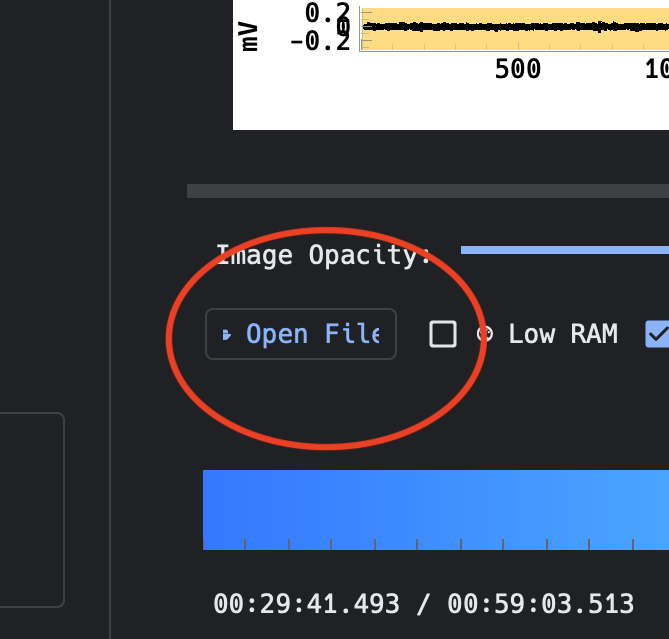
Find the file you want to open on your computer, select the file, and click open.
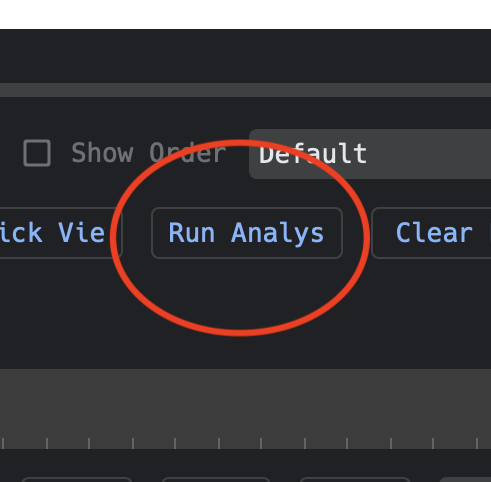
Click on the “Run Analytics” icon to the right of the “Open File” icon and the MEA grid will load onto the GUI on the left-hand side
Important
The file needs to be in the correct format in order to be visible on the MEA grid